
Welcome to ShopLead
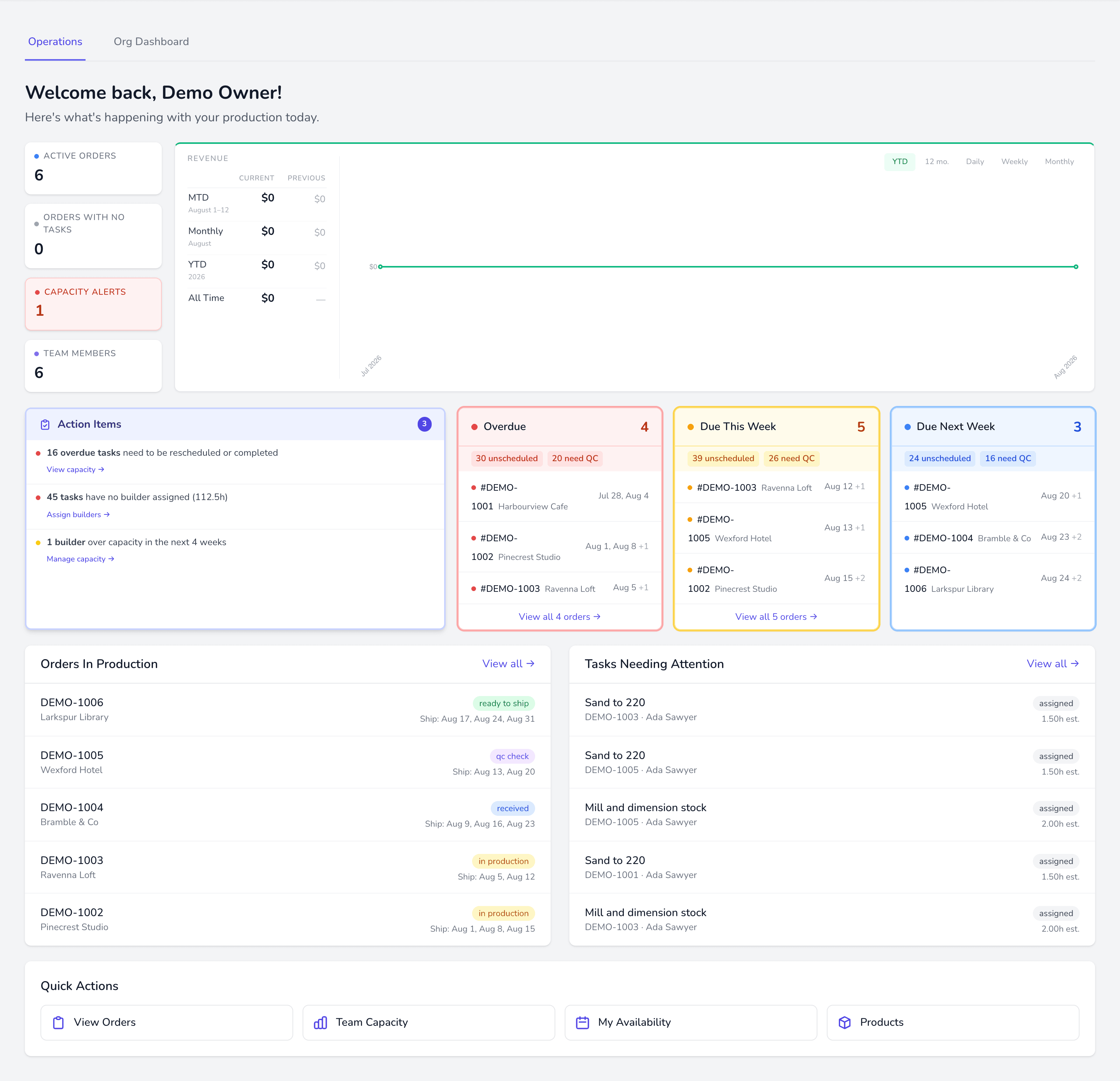
ShopLead runs the path from an incoming order to a finished piece leaving your shop. This page is the ten-minute version of how it fits together; everything else goes deeper.
The chain
Section titled “The chain”Almost everything in ShopLead is a view onto one link in this chain:
- An order arrives — imported from your store, or created by hand.
- Each line item on that order gets a ship date, driven by the product’s lead time.
- Line items generate tasks — the actual work, from the product’s task template.
- Tasks are scheduled onto a builder who is qualified and has hours free.
- Work is done, checked by QC, and the order ships.
If something looks stuck, it is nearly always because one link is missing: a product without a task template, a task without a qualified builder, or a builder without availability.
The vocabulary
Section titled “The vocabulary”These words mean specific things throughout the app, and this documentation uses them precisely.
| Term | Means |
|---|---|
| Order | One customer purchase. Has a status, a customer, and one or more line items. |
| Line item | One product on an order. Owns its own ship date. |
| Task | One unit of work — sand, assemble, finish. Belongs to a line item. |
| Job | The category a task belongs to. Builders are qualified per job. |
| Builder | A person doing the work. Has availability, qualifications, and capacity. |
| Batch | A group of similar tasks run together by one builder. |
| Scheduled | A task with a build date and a builder. Anything else is unscheduled. |
Where to go next
Section titled “Where to go next”New shop? Work through the First week checklist in order — each step unblocks the next.