
Builders overview
A builder is a person doing the work. Three things must be in place before anything can be scheduled to them.
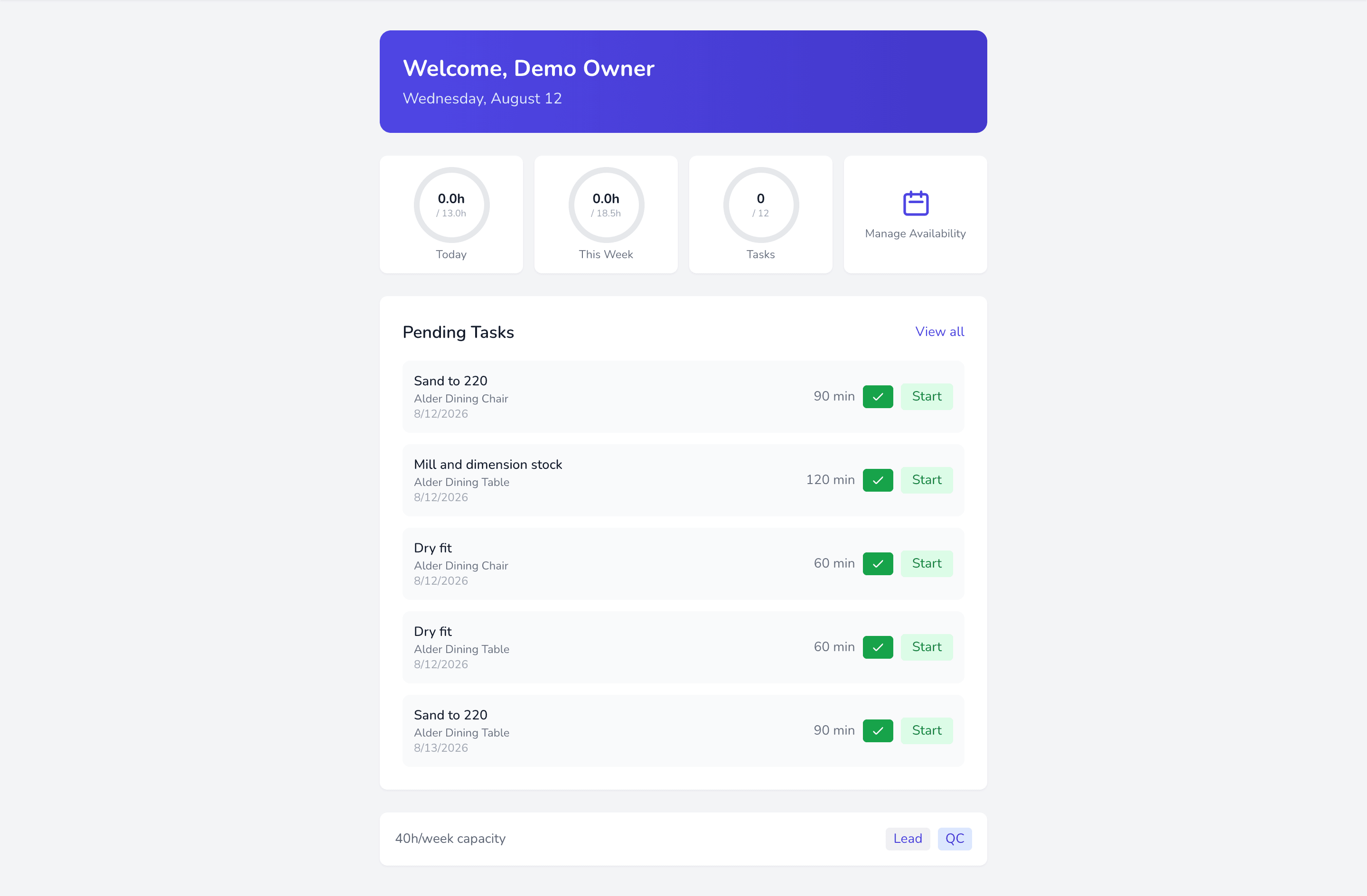
- Availability — the hours they are actually working. See Availability.
- Qualifications — which jobs they may do. See Qualifications.
- Capacity — enough unbooked hours left in the week.
Miss any one and the builder simply will not appear where you expect. That is by design, not a bug — but it does mean “the list is empty” usually points at setup rather than the app.
Adding a builder
Section titled “Adding a builder”A builder record carries their name and contact details, weekly hours, hourly rate, skills, whether they can self-QC, and whether they are a lead.
Weekly hours is the default used for capacity planning. It is a default, not a rule — week-to-week availability overrides it.
Leads and self-QC
Section titled “Leads and self-QC”Two flags change what a builder may do:
- Lead — may perform QC on others’ work.
- Can self-QC — may sign off their own work.
Only builders with one of these appear in the QC By picker.