
Availability
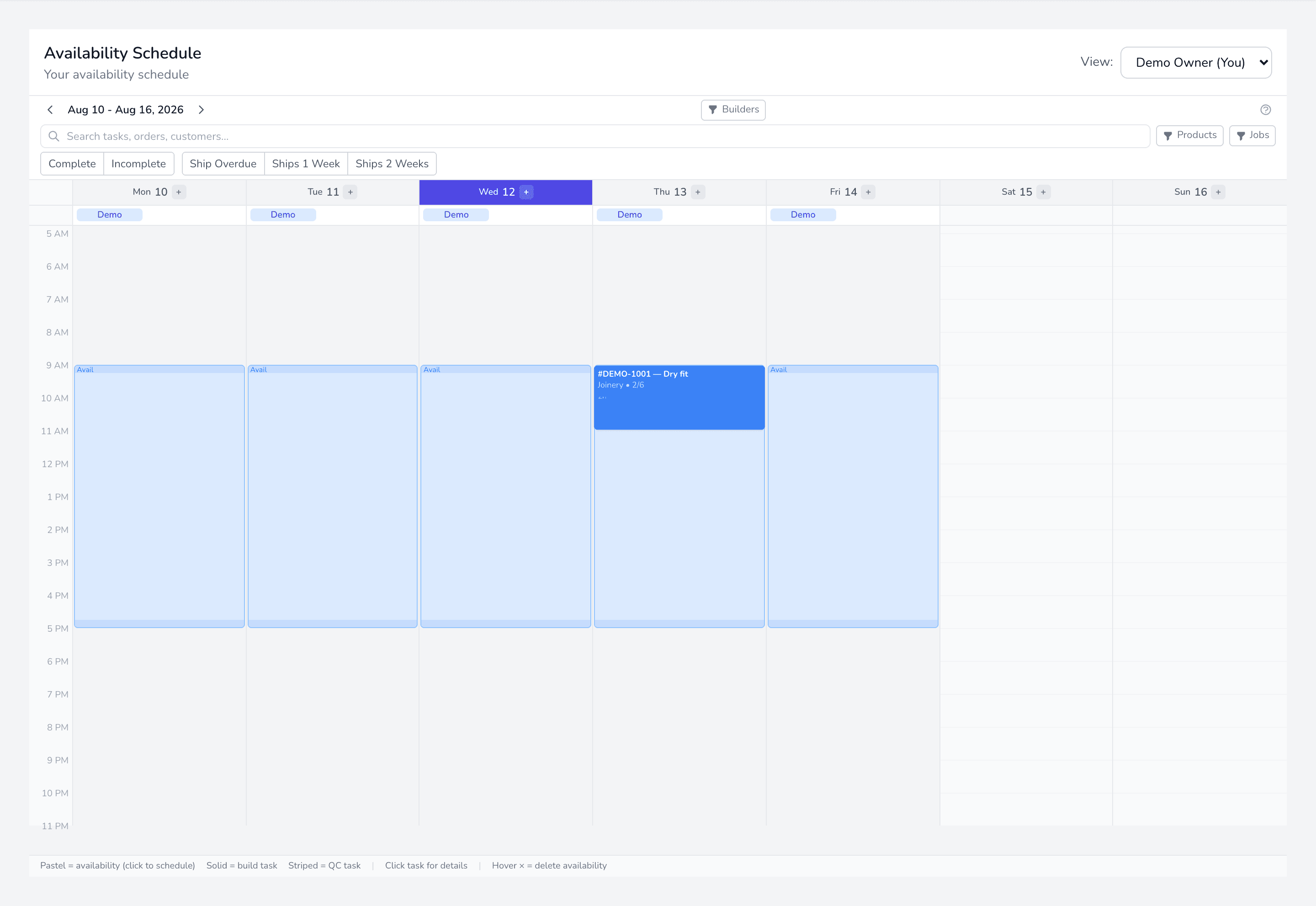
Availability is the hours a builder is actually working on a given day. Without it, a builder has nowhere for work to land — they will appear at zero capacity no matter what is assigned to them.
Adding it
Section titled “Adding it”From All Calendars, add a block against a builder and day, with a start and end time. In the day header, the + button adds availability when a single builder is in view.
For a regular pattern, use the recurring schedule option rather than entering every day by hand.
Changing it
Section titled “Changing it”Open the daily detail — click a builder tab at the top of a day column, or double-click the availability block — and edit the date, start and end times there.
On desktop you can also drag the top or bottom edge of a block to resize it.
Removing it
Section titled “Removing it”Deleting a block that has work scheduled inside it unassigns that work rather than deleting it. The tasks return to unscheduled, so nothing is silently lost — but they will need rescheduling.