
Batches
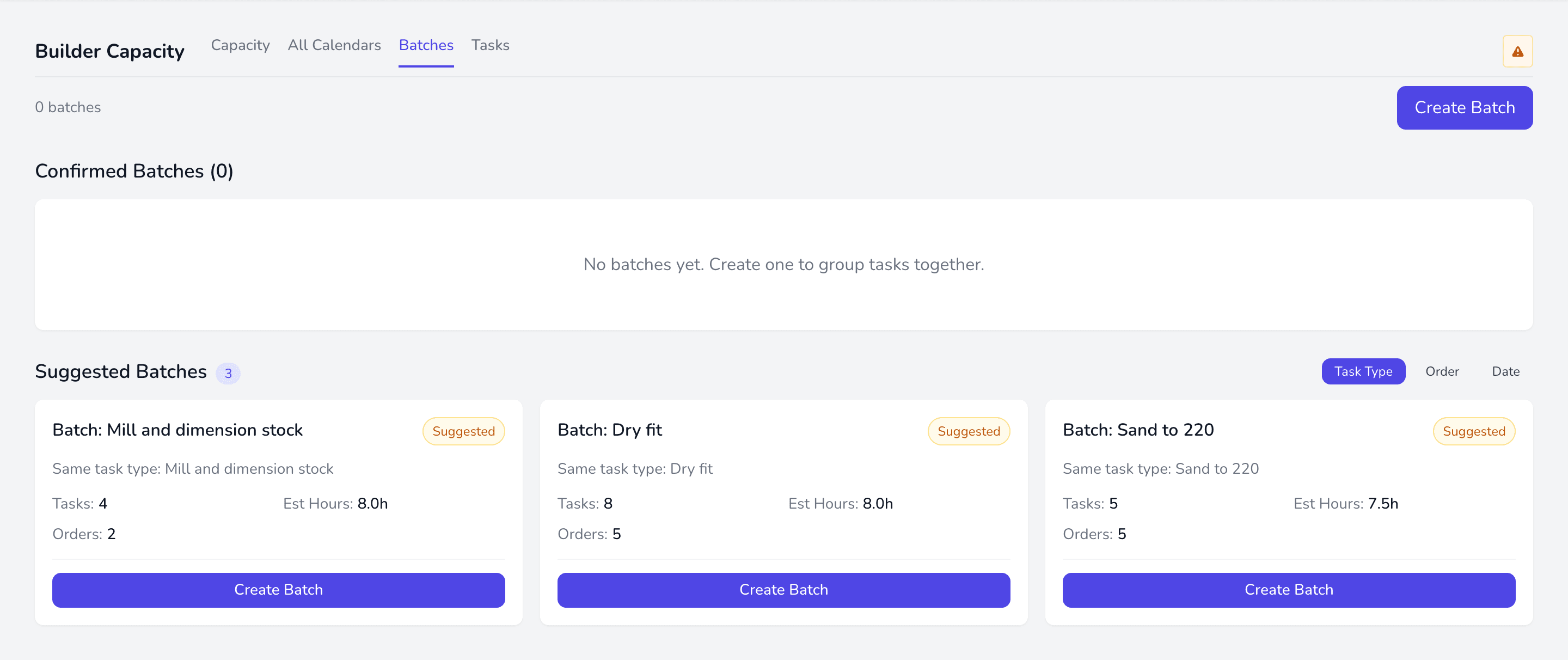
A batch is a group of similar tasks done together by one builder — cutting setup and changeover time by doing all the sanding, or all the finishing, in one go.
What batching changes
Section titled “What batching changes”Tasks in a batch share a builder and a start time, and are laid out back to back across that builder’s availability. Move the batch and the whole run moves.
Pinned tasks
Section titled “Pinned tasks”Dragging a single task inside a batch pins it. Pinned tasks stay put when the batch is re-flowed; everything else lays out around them. Repositioning the whole batch clears the pins, because moving the batch supersedes per-task placement.
When a batch will not fit
Section titled “When a batch will not fit”If the builder’s availability is too short for everything in the batch, the tasks that do not fit keep whatever date they already had and are reported back rather than silently dropped. Add availability or split the batch.