Capacity
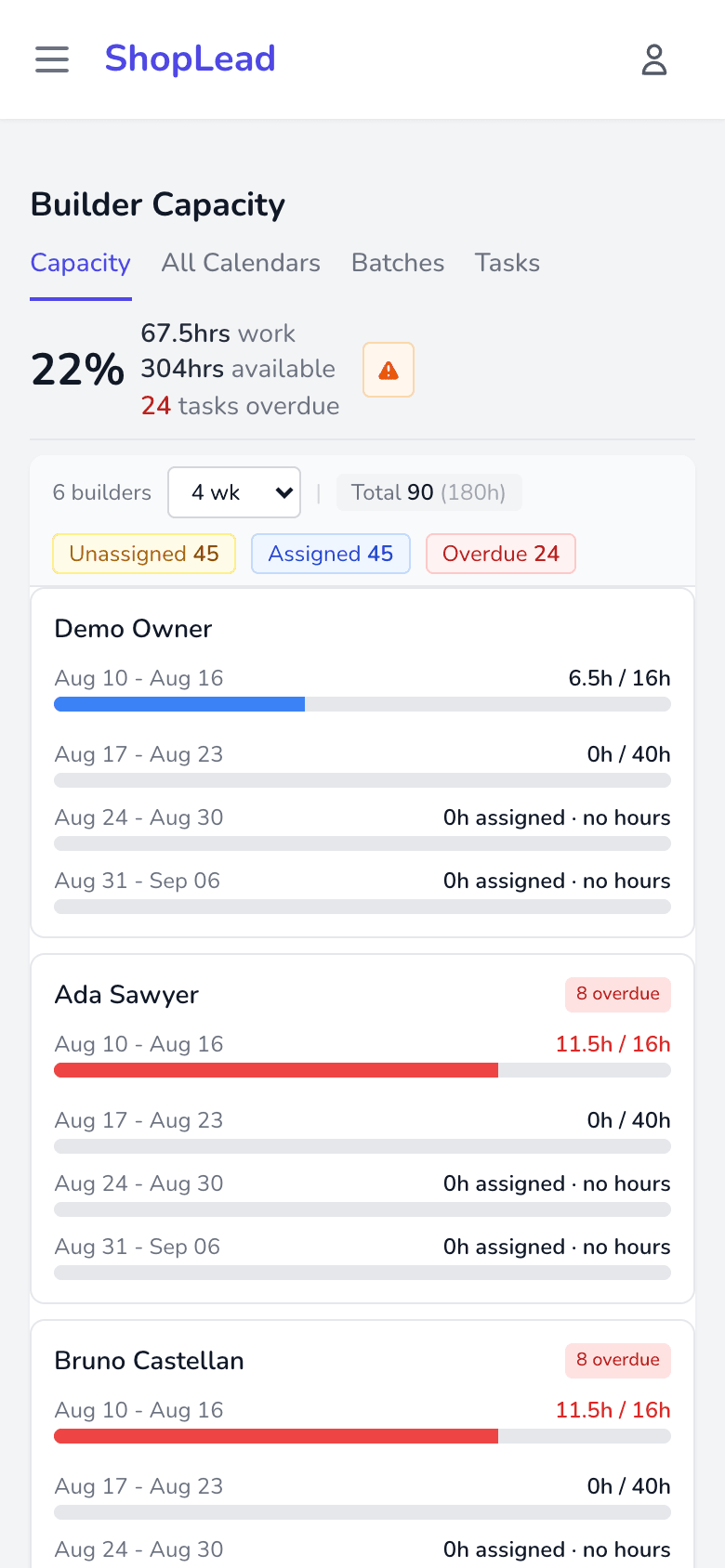
Have we got room? Hours booked against hours available, per builder per week. Read more
Capacity Planner is where work gets planned. Four tabs, each answering a different question.
Capacity
Have we got room? Hours booked against hours available, per builder per week. Read more
All Calendars
When is it happening? Every builder’s week side by side. Read more
Batches
What can we run together? Similar tasks grouped into one run. Read more
Tasks
What still needs planning? The full task list, filterable. Read more
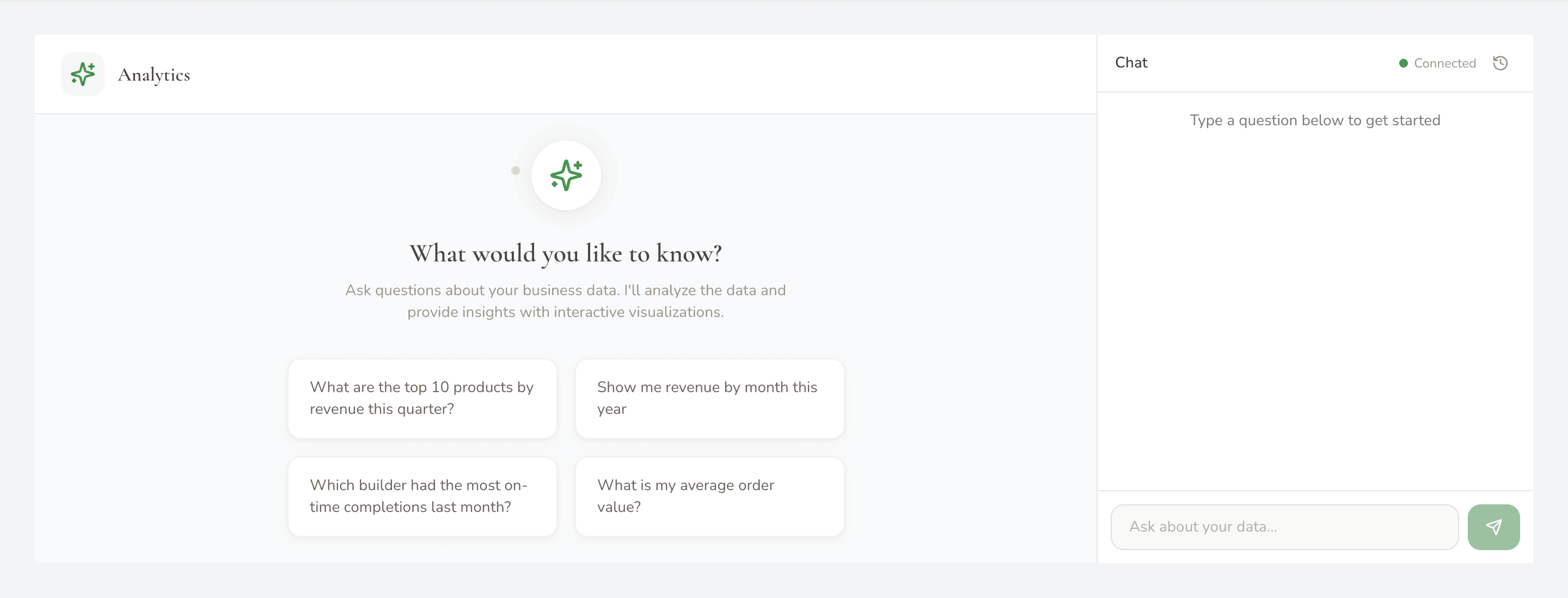
Analytics answers questions about what already happened — throughput, revenue, who completed what — in plain English rather than through a report builder.