
The Tasks view
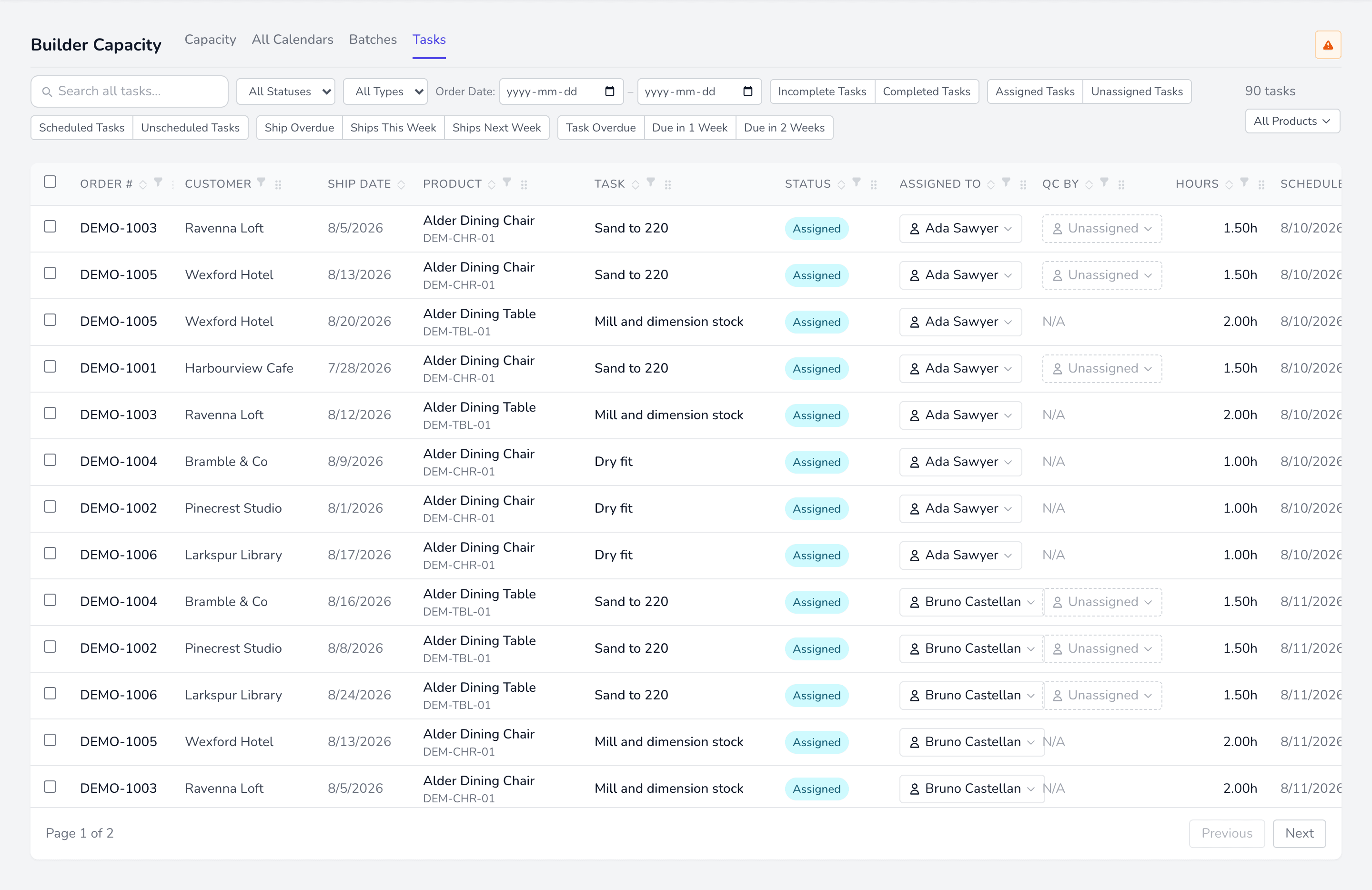
The full task list with filters. Where you go to answer “what has not been planned yet”.
The filters that matter
Section titled “The filters that matter”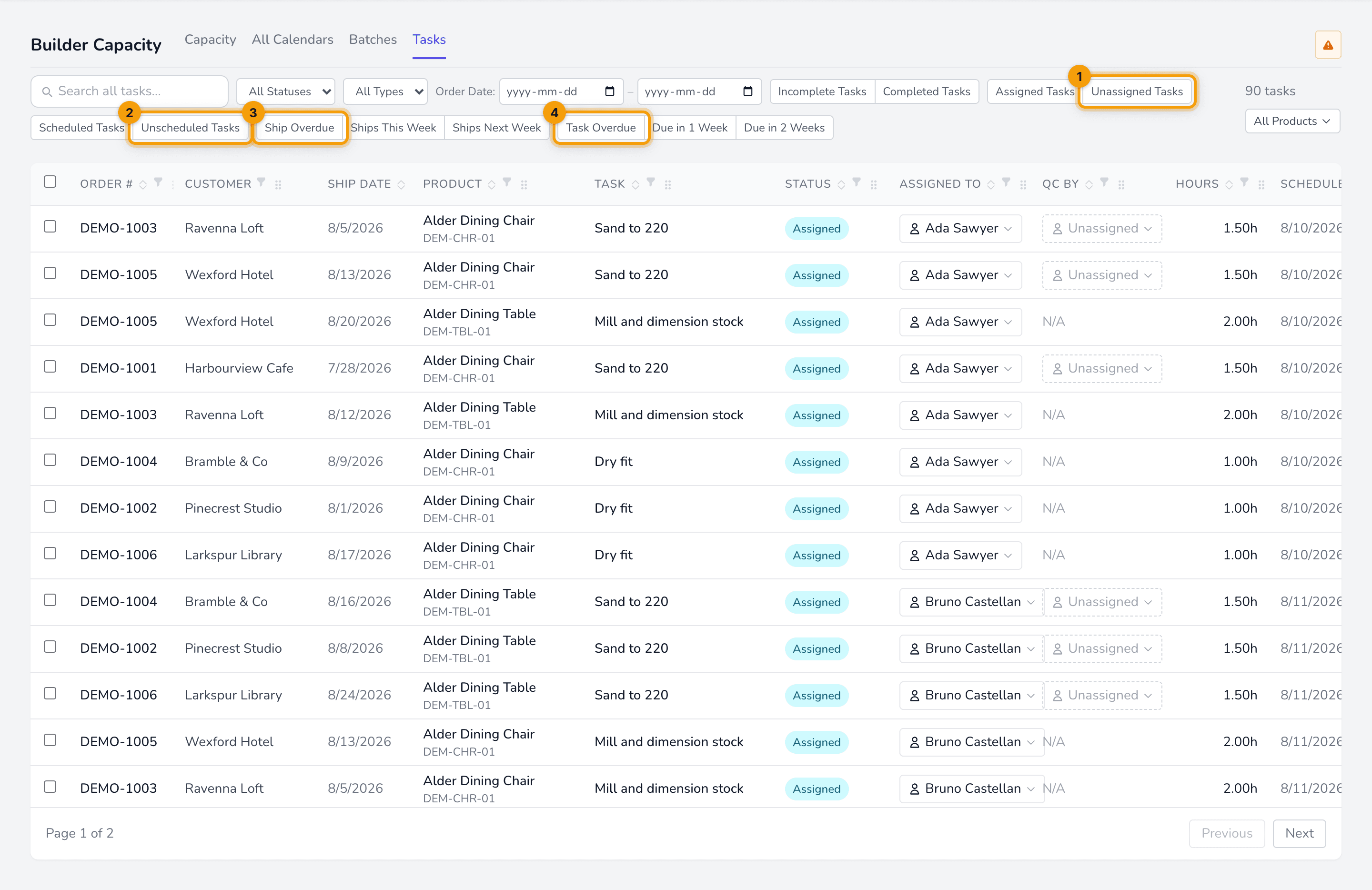
Three independent toggles, which combine:
| Filter | Narrows to |
|---|---|
| Assigned / Unassigned Tasks | Whether a builder is set |
| Scheduled / Unscheduled Tasks | Whether a build date is set |
| Ship Overdue / This Week / Next Week | The order’s ship date |
| Task Overdue / Due in 1–2 Weeks | The task’s own build date |
The Scheduled column
Section titled “The Scheduled column”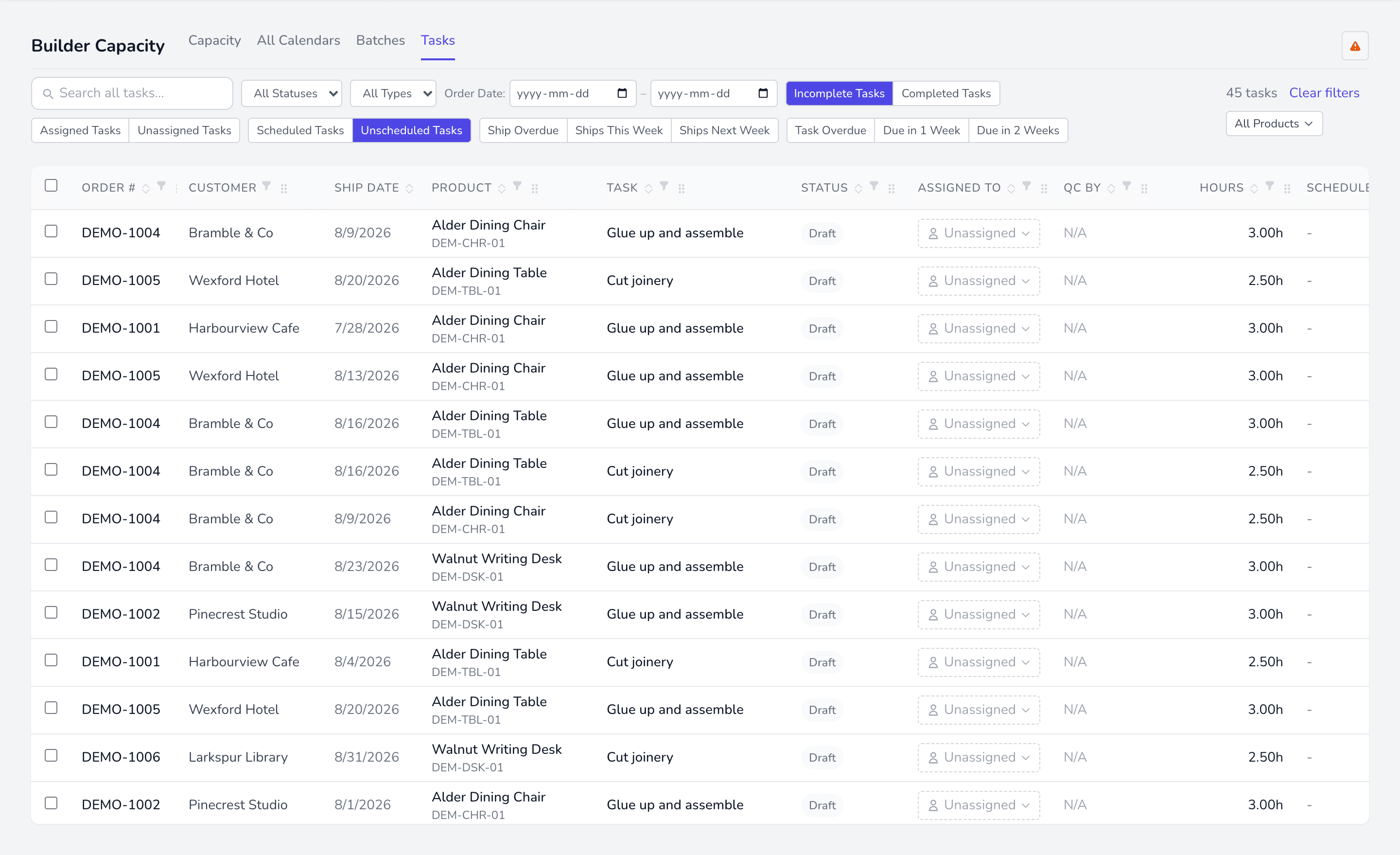
Shows the task’s build date, and is blank when the task is unscheduled. It deliberately does not fall back to the order’s deadline — a date there means someone planned the work.
Assigning from here
Section titled “Assigning from here”The Assigned To and QC By columns assign directly from the row. Both list only builders qualified for that task’s job; QC additionally requires QC certification or lead status.
Searching
Section titled “Searching”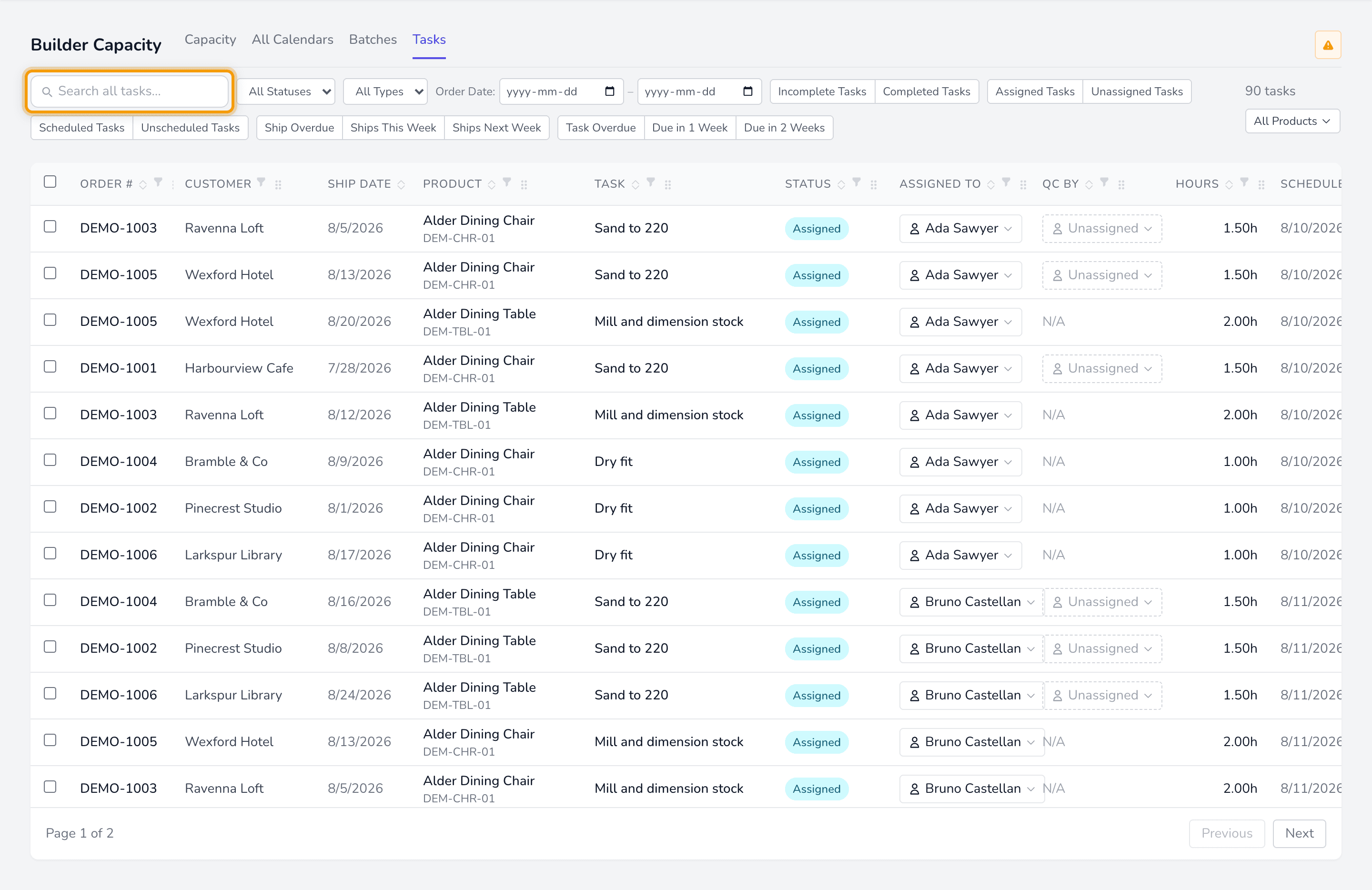
Search covers task name, order number, customer name, and product name or SKU. It runs across the whole result set, not just the page you are looking at.